How to Choose the Best Wireless Backup Camera and Monitor?
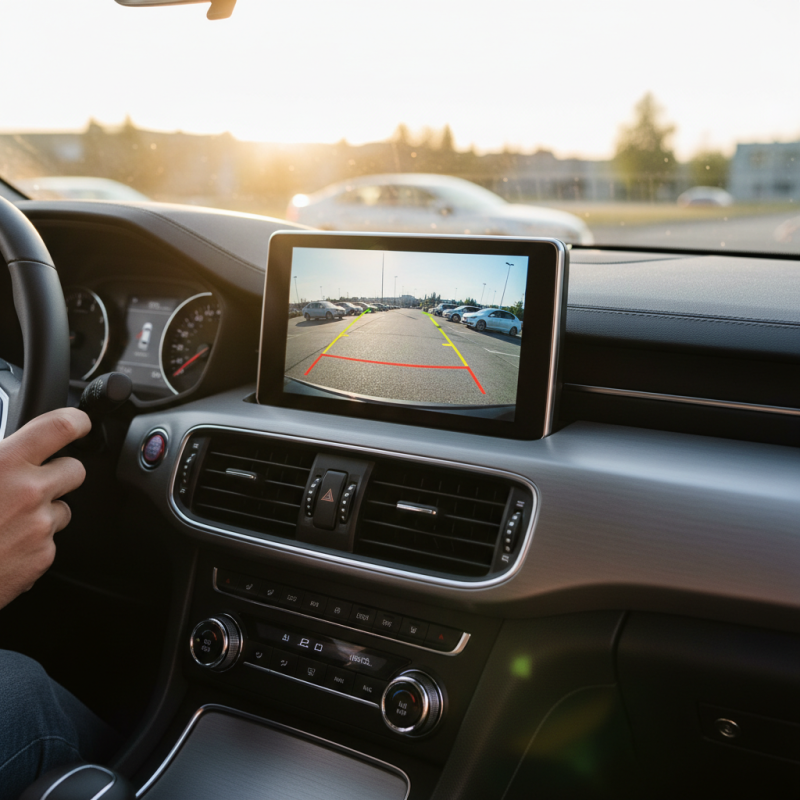
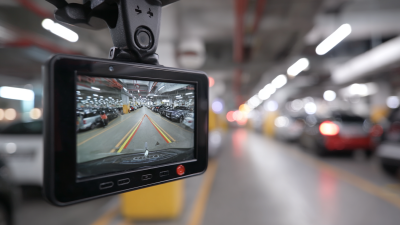
When it comes to improving vehicle safety, a Wireless Backup Camera And Monitor is a valuable investment. This technology enhances your awareness of surroundings, making reversing safer. Choosing the right system requires careful consideration of several factors.
Many options exist in the market, but not all are created equal. Quality and features vary significantly. Some cameras offer infrared night vision, while others deliver better daytime clarity. You should assess your specific needs and vehicle type before making a decision.
A high-quality Wireless Backup Camera And Monitor can make a difference in preventing accidents. However, many consumers overlook installation complexities and compatibility issues. Understanding these aspects can help you avoid frustrations. So, invest the time to research and reflect on your choices, ensuring you select a reliable system that enhances your driving experience.
Understanding Wireless Backup Cameras and Monitors
Wireless backup cameras and monitors are essential tools for enhancing vehicle safety. Understanding how these systems work can help you make an informed decision. These cameras provide a live video feed, allowing you to see what is behind your vehicle. Wireless technology offers convenience, eliminating the need for messy cables. Consider how the installation process fits your lifestyle. Some may find professional installation necessary, while others can handle it themselves.
Tips: Assess the camera's resolution. A higher resolution offers a clearer image, especially in low light. Look for features like night vision and wide-angle views. This will enhance your overall experience.
Check the monitor size too. A too-small screen can be hard to see. A larger screen may allow for easier viewing and a safer driver experience. Battery life is another crucial aspect. A reliable battery ensures the camera performs consistently.
Remember, not all systems are perfect. You may encounter interference or image lag. Research user experiences to get a realistic view. Find a balance between features and your specific needs. Don't settle for the first option. Your safety deserves thorough consideration.
Key Features to Consider When Selecting a Backup Camera
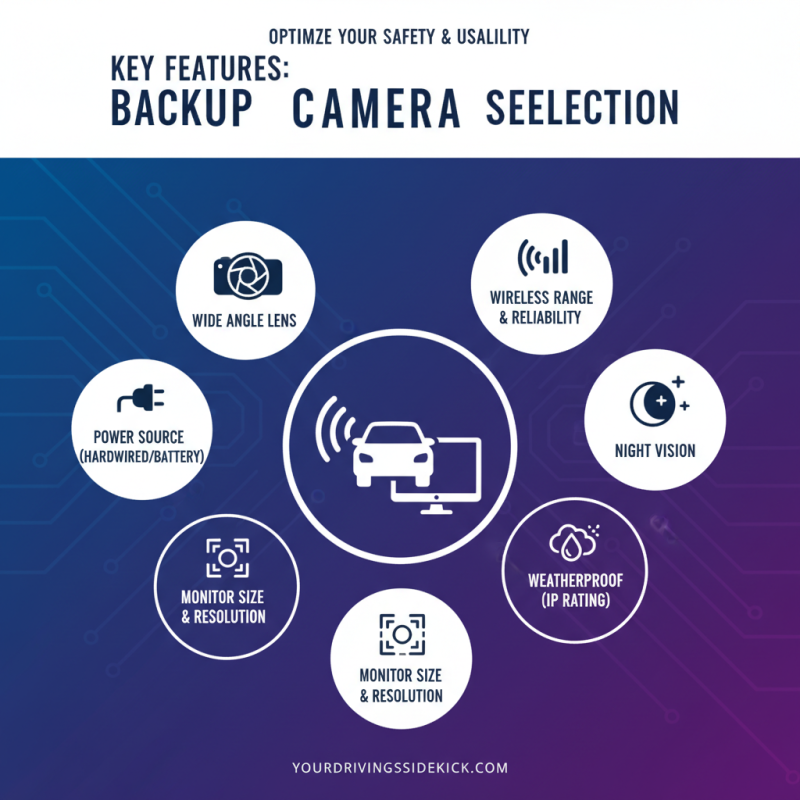
When selecting a wireless backup camera and monitor, considering key features greatly impacts performance and usability. Look for a high-resolution display. Research shows that cameras with 720p resolution or higher offer clearer images. This clarity is essential when reversing. Often, low-quality images lead to misjudgments in distance and obstacles.
Another vital feature is night vision capability. According to industry studies, nearly 30% of accidents occur in low-light conditions. Cameras with infrared capabilities ensure safety during night driving. Wide-angle lenses extend the field of view. A minimum of 120 degrees is recommended, as it minimizes blind spots. Be mindful that some wide-angle views can distort images, making true distance hard to gauge.
Consider the wireless range. Many backup cameras struggle beyond 30 feet, limiting effectiveness. A reliable device should offer at least 50 feet; this allows more freedom in placement. Battery life is also crucial, as some cameras underperform over time. Regular monitoring of battery health is necessary to maintain functionality. For those who prioritize ease-of-use, a simple installation process may outweigh other features. It’s important to balance convenience with the functionality of the device.
Evaluating Video Quality and Range in Wireless Systems
When choosing a wireless backup camera and monitor, video quality is essential. Look for systems with high-resolution screens. Clear images help you spot obstacles. Low-quality video can lead to mistakes. A camera that offers at least 720p resolution provides decent clarity. More advanced options reach 1080p for sharper images.
Another critical factor is the camera's range. Ensure you select a system that covers your vehicle's specific requirements. Most wireless systems can work up to 50 feet. However, obstacles like trailers can impact performance. Make sure to test the setup in various conditions, as real-world usage may differ from specifications.
**Tip:** Consider the lighting conditions where you'll use the camera. Systems with infrared capabilities offer better visibility at night.
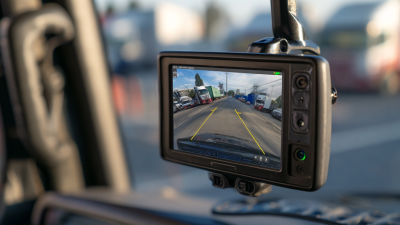
**Tip:** Be mindful of the monitor's placement. An ideal spot should provide a clear view without distractions while driving.
Lastly, don't forget to read user reviews. They provide insights that specifications alone cannot offer. A camera may look good in theory but can have practical flaws that customers have identified. Review multiple sources to gain a well-rounded understanding before making a choice.
Comparing Wireless Backup Camera Brands and Models
When selecting a wireless backup camera and monitor, understanding the prevalent brands and models is crucial. The market features various players, each promoting different technologies. According to industry reports, approximately 45% of consumers prioritize image quality while selecting a backup camera. This statistic highlights the increased focus on clear, high-definition visuals. For instance, some models offer 1080p resolution, providing sharp images that enhance driving visibility.
Battery performance remains another critical factor. Many models last between 4 to 8 hours on a single charge. Reports indicate that inadequate battery life can frustrate users. Additionally, concerns about connection stability are prevalent. While certain brands advertise a seamless wireless connection, reviews often reflect mixed experiences. Users report instances of signal loss during critical moments, prompting the need for thorough research before purchasing.
Furthermore, ease of installation is an often-overlooked aspect. Some systems require complicated setups, which can deter potential users. Feedback suggests that models with simplified installations are more reliable for average consumers. This indicates a gap in user-friendly designs, which warrants attention from manufacturers aiming to improve their offerings. Careful consideration of these factors will ultimately lead to a well-informed decision.
How to Choose the Best Wireless Backup Camera and Monitor?
| Feature |
Option 1 |
Option 2 |
Option 3 |
| Camera Resolution |
720p |
1080p |
1440p |
| Night Vision |
Yes |
Yes |
Enhanced |
| Monitor Size |
4.3 inches |
7 inches |
10 inches |
| Viewing Angle |
110° |
120° |
150° |
| Wireless Range |
30 ft |
50 ft |
100 ft |
| Price Range |
$50 - $100 |
$100 - $150 |
$150 - $200 |
Installation Tips for Your Wireless Backup Camera System
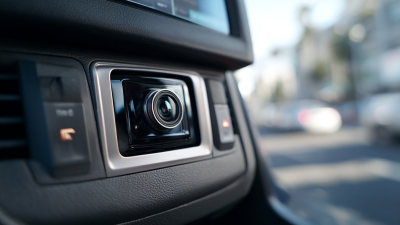
Installing a wireless backup camera system can be straightforward, but attention to detail is crucial. Start by selecting a suitable location for the camera. It should provide a clear view of the area behind your vehicle. Most people mount the camera above the license plate for optimal visibility. Ensure it is secure and free from obstructions. However, consider potential blind spots. Monitor your surroundings to avoid missing any obstacles.
Next, connect the camera to power. Many systems allow for easy wiring to the vehicle’s reverse lights. This ensures the camera activates when you shift into reverse. Some users struggle with wire placement. Take your time to avoid messy installations that may cause future problems. If your monitor requires a connection, carefully route wires to prevent interference with vehicle operations.
When it comes to settings, adjusting the camera angle is essential. A slight tilt can enhance the viewing experience. However, misalignment can lead to errors. Take a moment to review the camera feed before concluding the installation. Test it several times in different scenarios. It's the little details that can make a significant difference in functionality.
Wireless Backup Camera Features Comparison