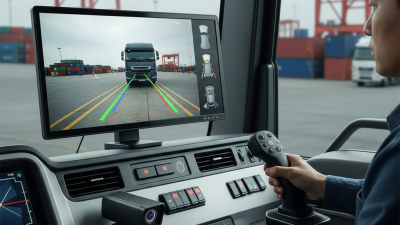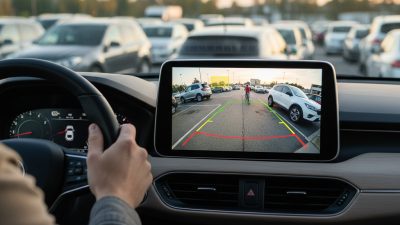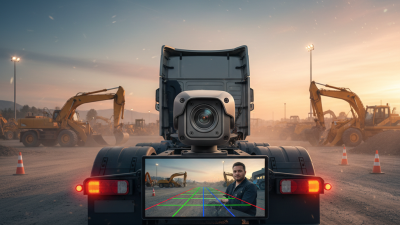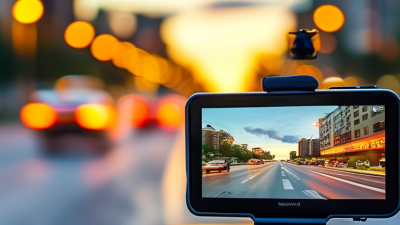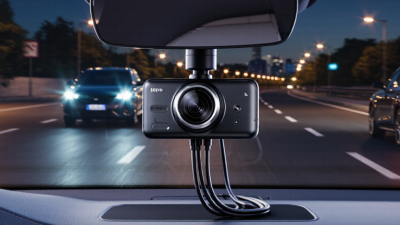
Choosing the best Multi Camera Car System in China depends on more than the number of cameras. Daily driving may involve crowded city streets, tight parking spaces, tunnels, and sudden changes in light. A useful system should provide clear views around the vehicle, with dependable footage during both daytime and nighttime driving. Small details matter. Check the camera’s field of view, low-light performance, recording resolution, and whether the screen shows all angles clearly.
Installation and reliability deserve equal attention. Confirm that the system fits your vehicle and that its wiring can be installed neatly by a qualified technician. In China’s hot summers and rainy seasons, operating temperature and weather resistance are worth checking against the manufacturer’s specifications. Storage capacity, loop recording, and ease of reviewing footage also affect everyday use. Look for detailed product documentation and independent testing where available; a polished advertisement is not proof of performance.
There is no single winner for every driver. A family SUV may benefit from broad side and rear coverage, while a compact car may need a simpler setup that avoids distracting displays. More cameras can help, but they also add wiring, installation cost, and possible blind spots between views. Not perfect. Compare real sample footage, warranty terms, and support availability before deciding. The best choice is the system that suits your vehicle, delivers consistent images, and remains practical after installation—not simply the one with the longest feature list.
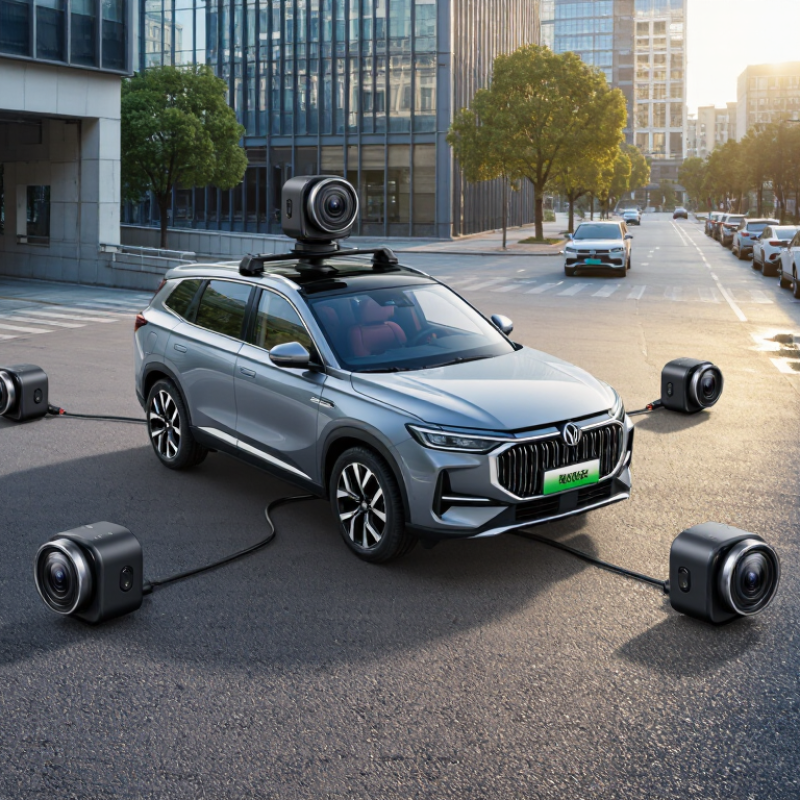
A multi-camera car system uses several small cameras to show areas around a vehicle that the driver cannot easily see. Cameras may sit near the grille, rear hatch, mirrors, or windshield. Their feeds can appear separately or combine into a surrounding view on the dashboard screen. The system may also save video, depending on its design.
In daily driving, this can help when backing into a narrow space or checking traffic beside a large vehicle. In busy Chinese cities, tight parking bays and scooters near the curb make extra visual coverage useful. Still, a camera view is not a substitute for mirrors or a careful look around. Rain, dust, glare, and dark streets can blur the image. Small objects may also disappear in stitching seams between camera views.
A reliable system depends on more than camera count. Image clarity, screen delay, night performance, and correct installation all matter. Calibration is important; even a slight angle change after a repair can distort distance. I would check whether the system gives clear views in ordinary daylight and at night, not just in a showroom. It can make close maneuvers less stressful. It cannot make every blind spot vanish.
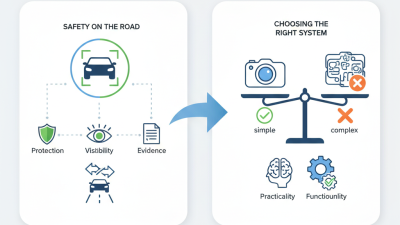
A multi-camera car system combines views from cameras mounted around the vehicle, often near the front, rear, and side mirrors. Each camera captures a wide area and sends its video to an onboard processor. The processor can correct lens distortion and blend the images into a bird’s-eye view. Some systems show separate camera feeds instead. The exact display depends on the vehicle’s design. Not magic. The system estimates how nearby space looks, rather than creating a perfect view of every surface.
During parking, the display may reveal a low curb or a child’s bicycle near the rear corner. At road speeds, some systems record several camera angles, while others mainly assist with low-speed manoeuvres. Image quality depends on camera placement, calibration, lighting, and screen resolution. Rain, dust, or a fingerprint on a lens can blur an important detail. A technician should check alignment after a camera or mirror is moved. Even then, narrow gaps and moving objects can be difficult to judge. It is easy to trust the overhead image too much; a quick look around the vehicle still matters.
| System type | Typical camera setup | How it works | Main strengths | Limitations and installation notes | Best suited for |
|---|---|---|---|---|---|
| 360-degree surround-view system | Usually four wide-angle cameras: front, rear, and one under or near each side mirror. | Software calibrates the camera positions and combines their images into a simulated overhead view. The display may also show individual camera views. | Helps with low-speed parking, narrow spaces, and checking nearby obstacles. The combined view can make the vehicle’s surroundings easier to judge. | Image stitching depends on correct calibration and camera cleanliness. The overhead image is synthesized, not a view from a real camera above the car. It may not record every camera feed. | Drivers who often park in tight spaces or need a visual aid for close-range manoeuvres. |
| Multi-channel dash camera | Common configurations use front and rear cameras, with additional cabin or side cameras in some setups. | Each camera captures a separate video stream. A recorder stores the streams on removable or built-in storage, commonly using loop recording that overwrites older footage when storage is full. | Provides recorded evidence from more than one direction. Camera views can be reviewed separately, and some systems support event locking after a detected impact. | Recording quality and the number of usable channels depend on the recorder, storage, and camera settings. Parking recording may require a hardwire kit or another suitable power source. | Private-car owners who want driving footage from the front and rear, or additional cabin coverage. |
| Commercial multi-camera DVR system | Often uses several cameras covering the front, rear, sides, and vehicle interior; the exact count depends on the vehicle and installation. | A central digital video recorder receives multiple camera feeds and records them to local storage. Some installations add GPS or mobile-network connectivity for location and remote access. | Can provide broad coverage for buses, vans, and work vehicles. Centralized recording makes it easier to review multiple views around the same event. | More cameras require careful placement, cabling, power planning, and storage management. Remote access requires compatible connectivity and may involve data or service costs. | Fleet operators that need wider coverage, centralized recording, or remote vehicle oversight. |
| Camera system with driver-assistance functions | Usually includes a forward-facing camera; some vehicles add rear or surround-view cameras for separate parking or monitoring functions. | Image-processing software detects road markings, vehicles, or other objects in the camera’s field of view. Depending on the vehicle, warnings or other assistance may be provided. | Can support functions such as lane-departure warnings or forward-collision alerts when the vehicle is equipped and conditions allow. | Driver-assistance cameras are not necessarily designed to record all views. Performance can be affected by visibility, camera alignment, road markings, and system limitations. | Drivers seeking camera-based assistance in addition to, or instead of, a separate recording system. |
How to choose: There is no single best setup for every vehicle. Choose a surround-view system for parking visibility, a multi-channel recorder for recorded coverage, or a commercial DVR for fleet monitoring. Confirm camera coverage, recording needs, power requirements, storage capacity, and compatibility with the vehicle before installation.
When comparing multi-camera car systems in China, start with the routes and parking conditions the vehicle actually faces. Urban garages, narrow lanes, and bright summer sun can expose different weaknesses. Check coverage around the front, rear, and sides, then look for blind spots near the bumper corners. A high camera count is not automatically better. Clear overlap between views matters more.
Compare image quality in both daylight and low light. Read a parked car’s plate in a sample clip, not just a product specification. Ask how the system handles glare, rain, and heat during long outdoor parking. Storage capacity and overwrite settings matter during daily use. Check whether footage can be exported easily, and whether the app works reliably with the phone and network you use. Installation quality also affects results; loose cables or poorly aimed cameras can spoil an otherwise capable setup. I would not judge a system by one impressive demonstration alone.
Tips: Request sample footage from similar streets and parking areas. Confirm local after-sales support before purchase. Keep the lens clean, and review settings after installation. Small details matter.
A multi-camera car system can mean several different setups, not one standard product. In China, drivers commonly compare surround-view systems, multi-channel recorders, and camera packages linked with driver-assistance features. Each solves a different problem.
A 360-degree surround-view system combines images from cameras near the front, rear, and side mirrors. It creates a top-down view on the dashboard screen, useful when parking beside a wall or squeezing into a narrow space. Image quality depends on camera placement and calibration. A poorly aligned view can make a curb appear farther away than it is.
Multi-channel recorders focus on recording events. A typical setup captures the road ahead and behind; some also cover the cabin or vehicle sides. Check whether footage remains clear at night, and whether the system records continuously when parked. More cameras mean more wiring, storage use, and installation work. That trade-off is easy to underestimate.
Integrated assistance systems use cameras to support features such as lane warnings or forward collision alerts. They need careful setup and should not replace attentive driving. These systems may look impressive in a showroom. Real roads are less predictable. For many drivers, the practical choice depends on whether they need parking visibility, reliable evidence, or driving alerts most.
A multi-camera car system is useful only when its coverage matches the way a vehicle is driven. In crowded city streets, front, rear, and side views can help drivers judge tight turns, bicycles, and nearby scooters. For highway travel, stable recording, clear number-plate detail at realistic distances, and night footage may matter more than extra screens. Think about your routes, not the largest camera count.
Check image quality in daylight and at night, and look for usable footage in rain or under dim parking lights. Ask how the system handles blind spots, glare, and overlapping camera views. A stitched panorama can distort distance near the edges. Storage also matters. Confirm recording duration, loop behavior, and whether important clips can be saved easily. A quick test in your own car can reveal awkward angles or cables blocking a sightline.
Installation should suit the vehicle’s power supply and interior layout, with wiring secured away from pedals and airbags. Choose controls that are simple to use while parked, and check whether the display remains readable in bright sun. If several drivers share the car, menus should be easy to understand without repeated setup. No system removes the need to check mirrors and surroundings. I would still compare sample footage before deciding; specifications can sound better than real road images.
Compare generic 2-, 4-, and 6-channel configurations by camera-feed capacity.
How to choose: A 2-channel setup commonly records front and rear views. A 4-channel setup can add side views, while a 6-channel setup provides capacity for additional views, such as the cabin. Actual coverage depends on camera placement and system configuration; more channels do not automatically guarantee better visibility.