Leave Your Message
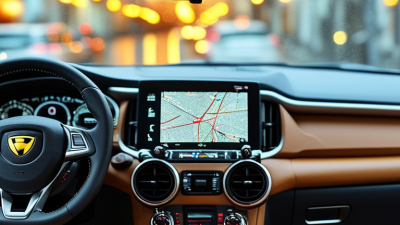
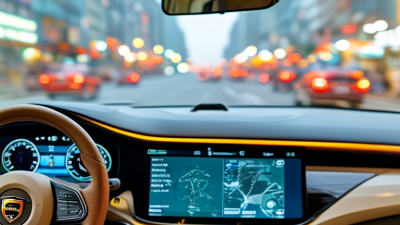
Choosing a Gps System With Backup Camera is about more than putting maps and a rear image on one screen. It is about getting clear guidance while keeping the space behind your vehicle visible. Small details matter.
The safety need is real. In its 2014 rear-visibility rule, the U.S. National Highway Traffic Safety Administration reported about 210 annual backover deaths and 15,000 injuries. The agency estimated that rear-visibility technology could save 58 to 69 lives each year once widely adopted. These figures describe the broader risk and the rule’s projected benefit, not a guarantee for every driver. (NHTSA, 2014)
Navigation accuracy deserves equal care. GPS.gov says smartphones are typically accurate within about 4.9 meters under open sky, with accuracy often worsening near buildings, bridges, and trees. A route can still be useful, but a pin is not always your exact driveway. Look beyond screen size: compare map-update options, voice guidance, camera viewing angle, low-light image quality, and how quickly the display switches into reverse. Check whether the camera and mount suit your vehicle, too. Specs can look reassuring on a box. Real installation may feel less tidy. A bright display is helpful; glare at noon is not. The sections ahead explain how to weigh these practical details and choose a system that fits your driving habits.
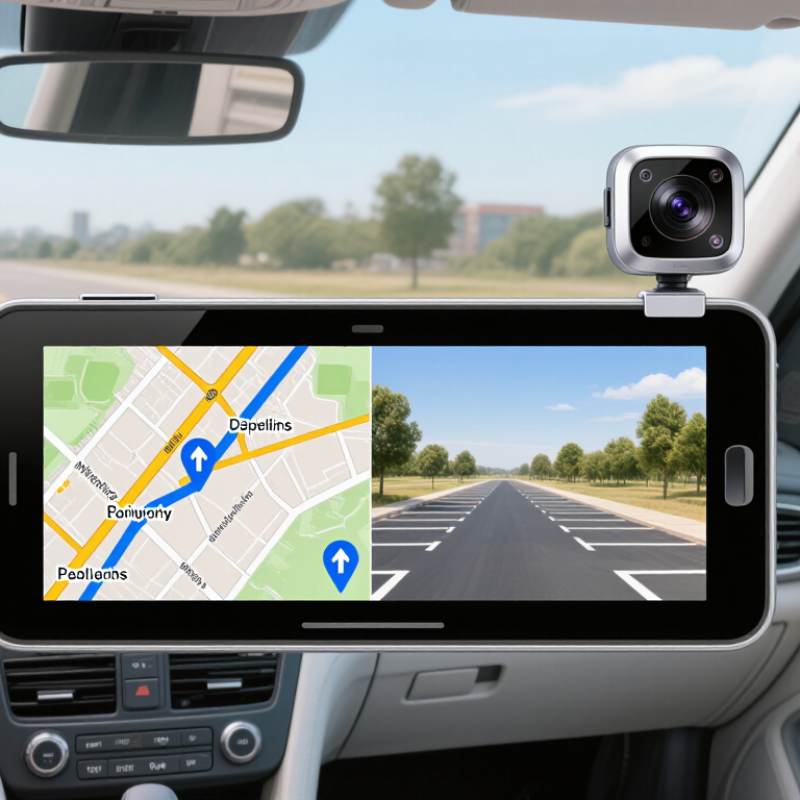
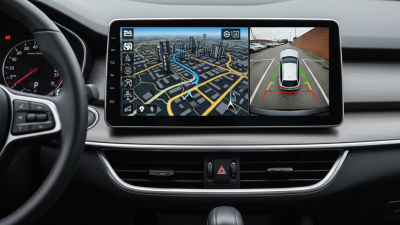
A GPS system with a backup camera combines two useful functions on one display. The GPS provides maps, turn-by-turn directions, and estimated arrival times. The camera shows the area behind the vehicle when reverse gear is selected, if the system supports automatic switching. That view can help reveal a low wall or a child’s bicycle near the driveway.
Check how clearly the screen presents both functions. A bright display can be easier to read in daylight, while large route arrows reduce the need to study a map. Camera guidelines may help judge distance, but they are estimates. A narrow driveway makes this obvious. Objects can appear farther away than they are, especially near the edge of the image.
Installation and signal quality matter, too. The camera needs a steady view, and dirt, rain, or darkness can reduce what it shows. GPS reception may weaken between tall buildings or under heavy cover. Keep using mirrors and look around before reversing; the screen cannot show every angle. I’d also check whether the device’s maps can be updated and whether its camera view suits your vehicle. The perfect setup is a little hard to define. What works well in a small car may feel cramped in a larger vehicle.
| Selection Dimension | What to Look For | Why It Matters | Practical Check |
|---|---|---|---|
| Navigation coverage | Maps that cover the countries or regions where you drive, with clear map-update terms. | Coverage and update availability affect route guidance, road details, and the usefulness of the device over time. | Confirm included map regions, update method, and whether updates require a separate payment or internet connection. |
| Screen size and readability | A display that fits the dashboard and remains easy to read from the driver's seat. | A larger screen may make maps and camera images easier to view, but it should not obstruct the driver's sightline. | Check the screen dimensions, brightness controls, viewing angle, and mounting position in the vehicle. |
| Backup-camera compatibility | A camera and display connection type explicitly supported by the navigation unit. | Video formats, connectors, and signal requirements can vary; a camera may not work simply because it has a familiar plug. | Verify the supported camera input, connector, video standard, and whether an adapter or separate interface is needed. |
| Camera image quality | A clear rear view in daylight and usable visibility in low-light conditions. | A camera's performance depends on its sensor, lens, mounting position, lighting, and display—not resolution alone. | Look for sample footage or test the image at the intended mounting height and in typical lighting conditions. |
| Automatic camera switching | Automatic display activation when reverse gear is selected, if supported by the vehicle and system. | Automatic switching can make the rear view quicker to access while reversing. | Ask whether a reverse-trigger wire or vehicle-specific interface is required, and check that the display returns to navigation afterward. |
| Parking guidelines | Optional distance or trajectory lines, with adjustment where available. | Guidelines can help estimate position, but fixed lines may not match the vehicle's turning path or dimensions. | Check whether lines are adjustable or dynamic, and follow the vehicle and camera instructions when calibrating them. |
| Routing and driver alerts | Clear turn-by-turn directions, route options, and relevant alerts for the intended driving area. | Readable prompts and appropriate routing features help reduce distraction and improve trip planning. | Review available route preferences, spoken guidance, traffic features, and any subscription or connectivity requirements. |
| Installation and power | A mounting and wiring method that suits the vehicle and the user's installation needs. | Camera placement and wiring affect reliability, image angle, and whether the system can switch views correctly. | Check cable length, power requirements, mounting options, weather protection for an exterior camera, and installation guidance. |
| Reliability and support | Documented operating conditions, warranty terms, and accessible technical support. | Heat, vibration, moisture exposure, and installation quality can affect long-term performance. | Review the warranty, operating-temperature range, camera water-resistance rating, and replacement or repair process. |
| Ease of use | Simple menus, responsive touch controls, and clear switching between map and camera views. | Controls that are easy to understand can help drivers spend less time interacting with the screen. | Try common tasks such as entering a destination, adjusting volume, and opening the rear-camera view before purchase. |
Note: Compatibility and features vary by vehicle and system. Confirm installation requirements and local regulations before purchasing or fitting a camera.