Leave Your Message

How to Choose the Best GPS System With Backup Camera?

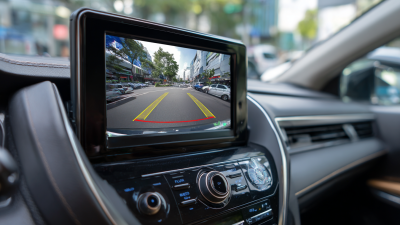
Choosing the right Gps System With Backup Camera involves more than comparing screen size or advertised features. A reliable unit should combine accurate navigation, clear camera imaging, stable connectivity, and practical installation requirements. The best choice depends on the vehicle, driving habits, climate, and available dashboard space. A compact car may need a seven-inch display, while a larger vehicle could benefit from a wider viewing angle.

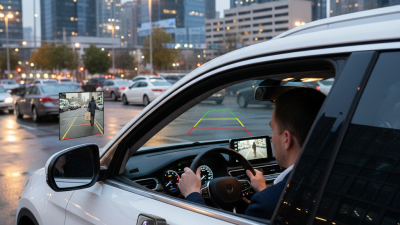
Real-world performance matters. Test how quickly the GPS recalculates after a missed turn. Check whether the backup camera remains clear in rain, darkness, and direct sunlight. A camera with night vision, parking guidelines, and low image delay can make tight spaces less stressful. However, specifications do not tell the entire story. Some systems claim excellent low-light performance but produce grainy images beside a dim garage.

Reliable guidance should consider manufacturer documentation, warranty coverage, software update policies, and verified customer feedback. Professional installers also examine wiring quality, camera placement, signal interference, and compatibility with existing vehicle electronics. These details can affect safety and long-term reliability. An inexpensive system may appear attractive, yet difficult installation or outdated maps can create hidden costs.

No system is perfect.

This guide will examine essential features, installation concerns, display quality, navigation accuracy, and everyday usability. It will also address common buying mistakes, including trusting unrealistic claims or ignoring driver visibility. A thoughtful decision balances technical evidence with personal needs. The strongest option is not always the most expensive one. It is the system that performs consistently when reversing into a narrow driveway, following an unfamiliar route, or driving through changing weather.
How to Choose the Best GPS System With Backup Camera?

Understanding GPS Systems With Backup Cameras

Understanding a GPS System With a Backup Camera

A GPS system with a backup camera combines route guidance with low-speed rear visibility. GPS.gov reports that civilian GPS can typically achieve about 7-meter accuracy under open-sky conditions. Buildings, tunnels, and dense trees can reduce that precision. Therefore, a reliable system should offer clear map updates, audible directions, and quick signal recovery. I would also check whether the screen remains readable in direct sunlight. Small text becomes frustrating during a busy turn.

The camera deserves equal attention. The National Highway Traffic Safety Administration estimates that backover crashes cause about 210 deaths and 15,000 injuries annually in the United States. Its rear-visibility rule was designed to prevent many of these incidents. Look for a wide viewing angle, low-light performance, and minimal display delay.

Guidelines should be adjustable, not treated as exact distance measurements. That part is easy to misunderstand. A camera can show a child, bicycle, or low barrier, but it cannot replace a physical check around the vehicle. Installation quality also matters. A loose cable or poorly placed camera may create blind areas.

I have found that testing the system at night, in rain, and beside uneven surfaces reveals weaknesses that showroom demonstrations hide. GPS guidance and camera visibility should support careful driving, not encourage dependence.

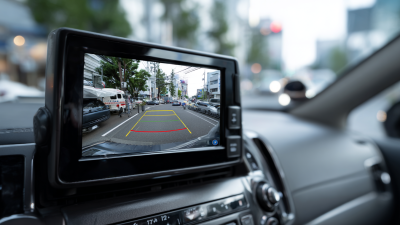
Identifying Your Vehicle’s Navigation and Camera Requirements

How to Choose the Best GPS System With Backup Camera?

Identifying Your Vehicle’s Navigation and Camera Requirements

Choosing a GPS system begins with your vehicle, not the screen size. Measure the dashboard space and check available power connections. Confirm whether your vehicle supports steering-wheel controls, factory speakers, or an existing camera. A compact car may need a smaller display, while a large vehicle benefits from clearer map details. If you tow regularly, choose navigation with dependable route planning for height and weight limits. Do not guess.

Navigation needs depend on driving habits. Frequent rural travel requires offline maps, lane guidance, and reliable rerouting. City drivers may value traffic updates and quick address entry more. Test the display under direct sunlight. Glare can hide a turn. Voice guidance should remain clear above road noise. Check update costs and local map coverage before installation, because these details are easy to overlook.

The backup camera deserves equal attention.

Look for a wide viewing angle, useful night visibility, and a stable image. A camera mounted too low may show the bumper but miss obstacles farther away. Confirm that parking guidelines match the vehicle’s actual steering movement. Use the camera with mirrors and direct observation; it is an aid, not a replacement. Weather-resistant housing matters after rain or winter road spray.

Cable routing also matters. Poorly secured wires can rattle behind trim.

My first checklist was too short, and I nearly ignored screen response time. That hesitation matters when reversing.

Comparing Display, Mapping, Camera, and Connectivity Features

How to Choose the Best GPS System With Backup Camera?
Comparing Display, Mapping, Camera, and Connectivity Features

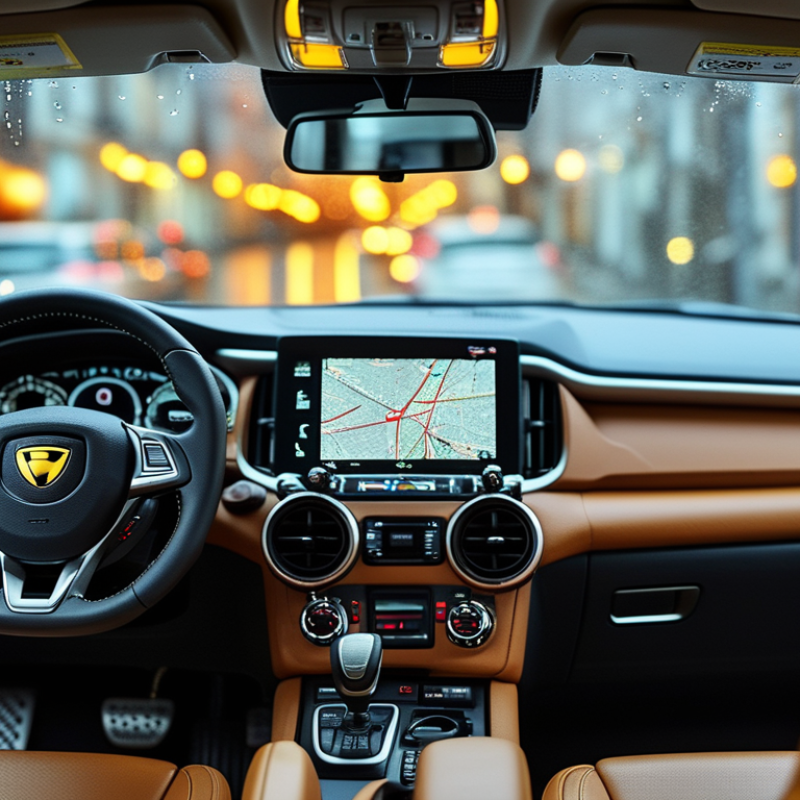
A useful GPS system should remain readable in bright sunlight and low light. Choose a display with strong contrast, responsive touch controls, and adjustable brightness. Seven inches can provide clear map details without blocking the road view. Test the screen from the driver’s seat. Reflections matter.

Mapping quality depends on more than colorful graphics. Look for accurate lane guidance, clear turn warnings, and regular map updates. Offline navigation can help when mobile coverage disappears on rural roads. Live traffic information is useful, but it may arrive late or show incomplete data. That limitation deserves attention.

The backup camera should deliver a wide view with natural colors and limited delay. Check whether parking lines can be adjusted to match the vehicle’s turning path. Night images often look grainy, so test the camera after sunset if possible. A small delay can become stressful in tight spaces.

Connectivity affects daily convenience. Bluetooth should connect quickly and maintain calls without repeated pairing. Wi-Fi can simplify map updates, while phone integration may provide voice search and traffic data. However, more features can mean more settings and distractions. I once preferred a simpler interface after missing a turn while adjusting menus. Reliable performance beats an impressive feature list.

How to Choose the Best GPS System With Backup Camera?

Comparing display, mapping, camera, and connectivity features using a normalized 10-point checklist.

The scores reflect the number and usefulness of commonly expected capabilities in each category: screen readability and control, offline and live mapping functions, backup-camera support, and device connectivity. A higher score indicates a more complete feature set, while actual performance can vary by model and installation.

Checking Installation Options, Compatibility, and Daily Usability

How to Choose the Best GPS System With Backup Camera?

Installation affects daily usability more than impressive specifications. A dashboard-mounted unit usually needs a clean power route and a stable viewing angle. An integrated system may look better, but it can require vehicle-specific wiring and professional calibration. Before buying, check whether the camera supports the vehicle’s voltage, display connection, steering controls, and reverse-light trigger. Small incompatibilities can create large delays.

NHTSA’s 2014 rear visibility rule covers vehicles under 10,000 pounds manufactured after May 1, 2018. It requires a view of a 10-by-20-foot area behind the vehicle. This makes camera coverage more important than screen size. During a driveway test, confirm that the bumper corners and nearby ground remain visible.

Night performance matters too. A bright screen cannot fix a weak camera sensor.

Daily operation should require few steps. Voice guidance, readable icons, and automatic camera switching reduce distraction. The AAA Foundation for Traffic Safety has repeatedly linked visual-manual interaction with longer driver distraction times. That finding deserves attention when comparing touchscreen menus.

I initially favored larger displays, but glare and slow menus changed my view. Bigger is not always easier.

Check map updates, GPS accuracy, cable placement, and backup guidelines before installation. Ask a qualified installer to verify camera alignment after mounting. Even a slight tilt can distort distance judgment. Some systems work well immediately, while others need patient adjustment.

Evaluating Reliability, Updates, Safety, and Overall Value

Choosing the best GPS system with a backup camera requires more than checking screen size or advertised features. Reliability matters during unfamiliar trips, especially when roads change without warning. In my experience, a stable GPS should recalculate quickly after a missed turn and maintain a signal through tunnels or dense streets. The display must remain readable in bright sunlight. Avoid systems with confusing menus or delayed voice instructions. Small delays can create stressful decisions.

Map updates deserve careful attention. Check how often updates are released, how they are installed, and whether offline maps are available. A system with outdated speed limits or missing roads can reduce driving confidence. Traffic information should come from consistent sources, not vague claims. I also examine update costs because a low purchase price may hide recurring fees. This part is easy to overlook.

Safety depends heavily on the backup camera’s real performance. Test the image at night, in rain, and during direct sunlight. Parking lines should appear steady, while the picture should have minimal delay. A wide viewing angle helps, but excessive distortion can mislead distance judgment. Keep the lens clean. It sounds obvious, yet it matters. Overall value includes installation, warranty support, update expenses, and screen durability. I once focused too much on features and ignored mounting stability. That was a poor choice. A practical system should reduce attention demands, not add another distraction.