Leave Your Message

What Is the Best Auto Rear View Camera System in 2026?

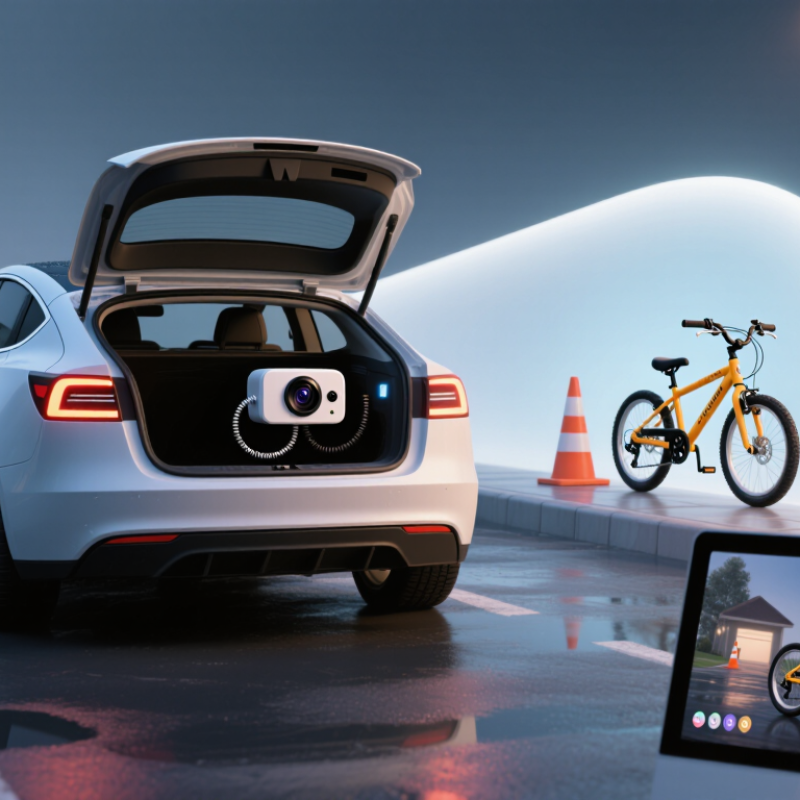
Choosing the best Auto Rear View Camera System in 2026 is not just a search for the sharpest image. A useful system must show a clear view, respond reliably, and remain easy to use when the vehicle is moving slowly. Think of a wet driveway at dusk, a narrow garage, or a child’s bicycle partly hidden behind a bumper. Small details matter.

Automotive safety researcher David Zuby, chief research officer at the Insurance Institute for Highway Safety, has emphasized the importance of visibility when assessing vehicle safety. A practical takeaway is simple: a camera can reveal areas mirrors miss, but it cannot replace attentive driving. A screen may look impressive in a bright showroom and become harder to read under midday glare. That difference deserves attention.

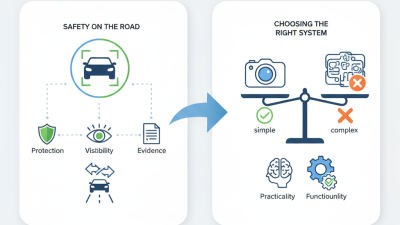
This guide compares systems by image clarity, field of view, low-light performance, display placement, installation demands, and durability. It also considers whether a wired setup or a wireless model better suits different vehicles. Very sharp. But is it dependable? That question matters more than a long feature list. Specifications can be incomplete, and real-world performance varies with camera placement, weather, and screen quality. A sensible choice balances useful features with a stable image and controls drivers can understand quickly. The best option is not necessarily the most expensive one; it is the system that fits the vehicle and makes reversing easier without creating false confidence.
What Is the Best Auto Rear View Camera System in 2026?

How Automotive Rear View Camera Systems Work

What Is the Best Auto Rear View Camera System in 2026?

How Automotive Rear View Camera Systems Work

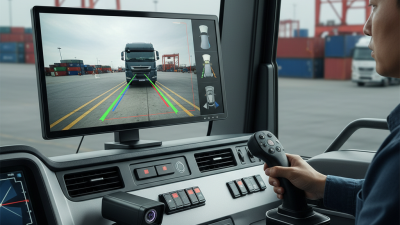
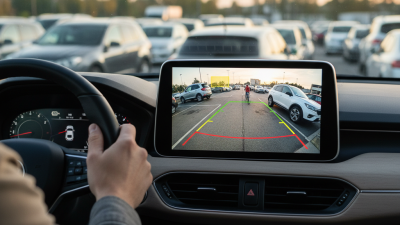
A rear-view camera uses a small lens near the back of the vehicle to capture the area behind it. When reverse is selected, the vehicle sends a signal that switches the camera feed onto a dashboard or mirror display. The image travels through a wired connection or, in some systems, a wireless link. The screen may show colored guide lines to help estimate distance from nearby objects. Some lines move with the steering wheel; others stay fixed. Check the manual to learn which type your system uses.

A wide viewing angle can reveal more of the scene, but it may make objects look farther away than they are. The lens can also distort the edges of the image. Rain, road grime, darkness, or glare may reduce visibility, so keep the camera lens clean and use mirrors and direct checks as well. A camera is an aid, not a substitute for looking around.

Small detail.

A delayed or poorly calibrated display can be distracting, and installation quality matters. After setup, test the image in a safe, open area and compare its guide lines with real distances. The picture may feel clear, yet still leave blind spots.
Key Types of Rear View Camera Systems

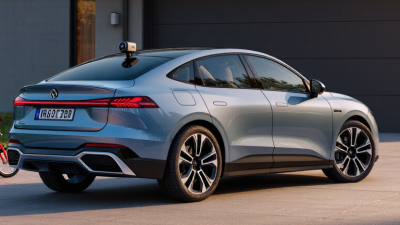
Rear-view camera systems differ mainly in how they send images and where drivers see them. A wired setup connects the rear camera to a display with a physical cable. It usually provides a steady picture, but routing cable through trim can take time. Good for permanent installations. Wireless systems transmit video to a receiver near the dashboard or mirror. They simplify installation, though signal quality can vary around metal panels or electrical interference. A brief delay matters when reversing close to a wall.

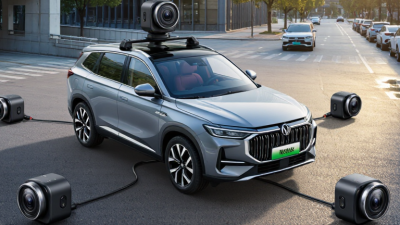
Some systems put a small screen inside the rear-view mirror, keeping the dashboard uncluttered. Others use a separate display mounted near the driver’s normal sightline. Digital mirror systems show a camera view across the mirror surface, which can help when cargo blocks the rear window. But the image may feel unfamiliar, especially at night or in rain. Multi-camera setups add side or front views, and some combine them into a bird’s-eye image. That view depends on careful camera alignment; pavement lines can look oddly curved. Check image brightness, night visibility, and whether controls work with gloves before choosing.

Features That Define a High-Quality System

What Is the Best Auto Rear View Camera System in 2026?

Features That Define a High-Quality System

A high-quality rear view camera system should show a clear, dependable picture in changing conditions. Resolution matters, but it is only part of the story. Look for a wide viewing angle that reveals nearby obstacles without bending the image too much. Good low-light performance helps when backing out of a dim garage. In bright sun, balanced exposure can keep a pale sky from washing out darker objects. A responsive display matters, too. Delayed video can make judging a tight space harder.

Durability and installation deserve equal attention. A weather-resistant camera and secure wiring help the system handle rain, dust, and daily vibration. Check that the monitor is easy to see from the driver’s seat, without blocking the road view. Simple controls reduce distraction. A common mistake is choosing a system by screen size alone; a large display cannot fix poor image quality or awkward placement. No camera replaces careful driving, and some objects may remain outside its view.

Tips: Test the camera in daylight and low light before relying on it. Check the image edges for distortion, and confirm that the display switches on promptly when reverse is selected. Keep the lens clean; a thin film of road grime can blur details.

How to Compare Rear View Camera Systems in 2026

How to Compare Rear View Camera Systems in 2026

A useful comparison starts with the image, not the screen size. Check whether the camera shows the full bumper, nearby corners, and the ground behind the vehicle. A wide view can help, but distorted edges may hide a low post or child-sized obstacle. Look for a stable picture in shade, rain, and dusk, plus a display that responds without noticeable delay. Test it at dusk. A bright showroom is no real test.

The Insurance Institute for Highway Safety’s 2014 analysis of insurance claims found rearview cameras were associated with 17% fewer backing crashes overall, and 36% fewer among drivers aged 70 and older. That is meaningful, but it does not make every camera equally useful. Compare image clarity, low-light performance, mounting position, and whether guidelines move with the steering wheel. Also check how wiring and weather sealing are handled; a crisp image can still be undermined by glare or a loose connection. In a real driveway, try reversing past a dark bin and a low curb. Specs rarely capture that awkward moment when the lens is dirty.

What Is the Best Auto Rear View Camera System in 2026? - How to Compare Rear View Camera Systems in 2026

System Type Camera-to-Display Connection Display Location Image Detail Signal Reliability and Delay Main Advantages Main Limitations Best Suited For
Factory-integrated system Integrated with the vehicle’s wiring and display Usually the dashboard or center display Varies by vehicle; check the actual display and camera specifications Designed to work with the vehicle; performance depends on the system and condition Convenient operation and a clean, vehicle-integrated installation Availability and features depend on the vehicle; upgrades may be limited Drivers who want an integrated setup or are choosing a vehicle with a camera system
Wired aftermarket camera and monitor Video cable runs between the rear camera and the display Separate dashboard or windshield-mounted monitor Depends on the camera and video format; confirm the stated resolution for the complete system A wired video link avoids radio interference between the camera and monitor Consistent connection; broad choice of camera and monitor configurations Cable routing takes time and may require trim removal Drivers prioritizing a stable connection and willing to install a cable
Wireless aftermarket camera and monitor Video is sent wirelessly; the camera and display still need power Separate dashboard or windshield-mounted monitor Varies by system; verify resolution and image quality in low light Installation avoids a long video cable; wireless interference or delay can vary by system and surroundings Can simplify installation when running a video cable is difficult Wireless does not mean power-free; signal performance should be tested in the vehicle Vehicles where routing a video cable is impractical
Rear-camera mirror display Rear camera feeds a display built into a replacement or clip-on mirror; connection type varies Rear-view mirror Depends on the camera and mirror display; compare resolution and screen visibility Depends on whether the system uses a wired or wireless video link Places the camera view near the driver’s usual rear-view sightline; some systems can switch to a reflective mirror view Screen glare, viewing angle, and mirror fit can affect usability; installation varies Drivers who prefer a rear-camera image in the mirror area
Rear-camera dashcam system Rear camera connects to a front recording unit, commonly by cable Small screen on the dashcam or a linked display, depending on the system Recording resolution and live reversing-view resolution may differ; check both Live-view delay and connection depend on the system’s camera link and display setup Can combine rear video recording with a live rear view A recording camera is not automatically a suitable reversing display; confirm that live view is intended for reversing Drivers who want both rear video recording and a usable reversing view

How to choose: For a dependable reversing view, compare the actual live-view resolution, night visibility, screen readability, camera viewing angle, and installation requirements. Specifications and performance vary between systems. A camera supplements—not replaces—checking mirrors and looking around the vehicle.

Vehicle Compatibility, Installation, and Ongoing Care

A rear-view camera system is only useful when it matches your vehicle. Check the camera’s mounting location, display type, power supply, and cable length before buying. A tailgate, hatch, or steeply angled plate can change what fits. Measure the distance from the rear mounting point to the dashboard, then allow extra cable for safe routing. Small details matter.

Installation deserves patience. Keep wiring away from hot, moving, or sharp-edged parts, and secure loose sections so they cannot rattle. If the system connects to a display or reverse-light circuit, follow its instructions and confirm the vehicle’s wiring before making changes. Test the view while parked. Adjust the camera until the bumper edge and nearby ground are visible, without relying on guide lines as exact distance measurements. A professional installer can help when access is difficult or wiring is unclear.

Ongoing care is simple, but easy to forget. Wipe the lens with a soft cloth after dusty drives, and check for water, cracks, or a shifted camera after rough roads. In winter, remove packed snow gently; scraping can mark the lens. If the image flickers, inspect connections before assuming the camera has failed. Even a well-matched system may need a small adjustment later.